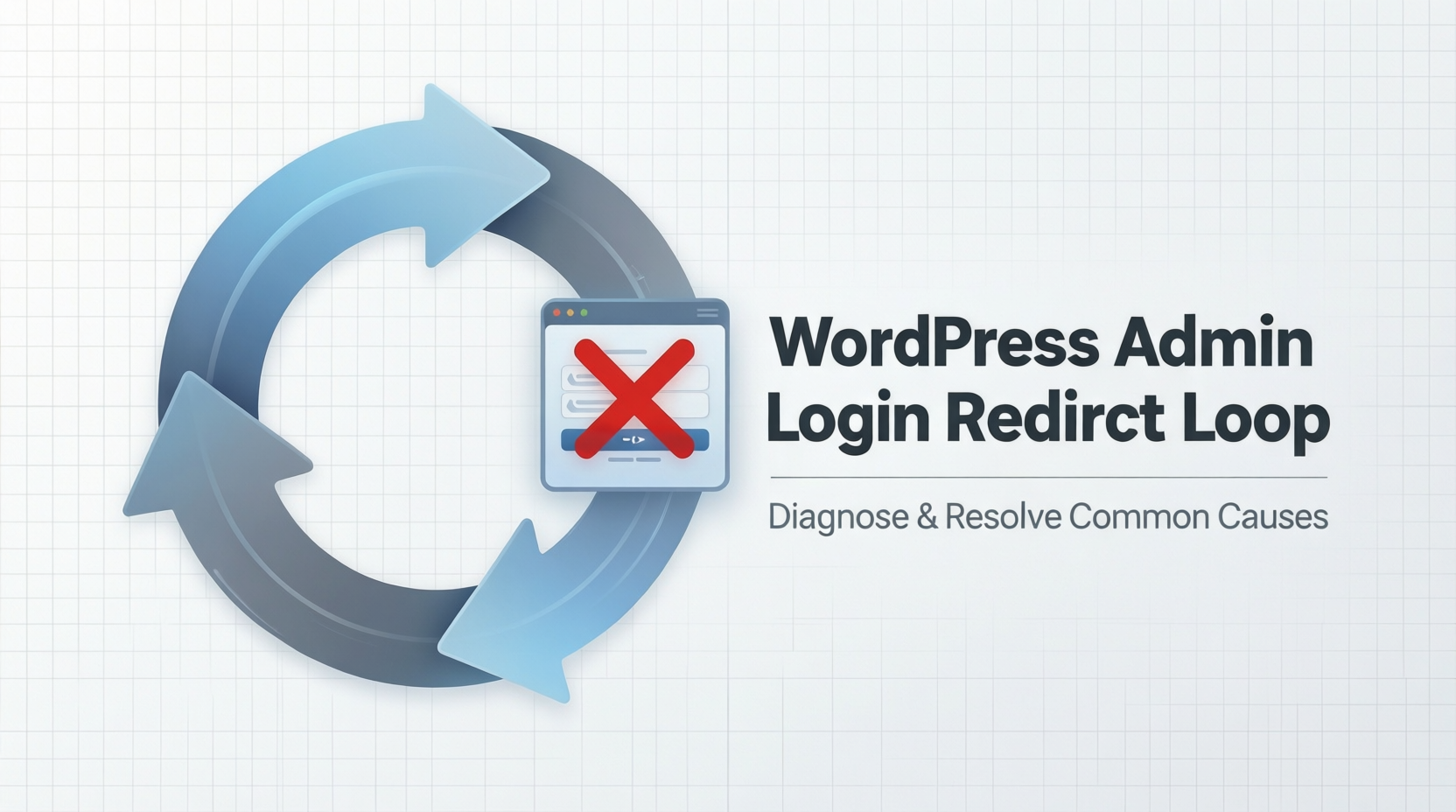
One common WordPress issue is being unable to access the admin dashboard. You enter your login details, but WordPress keeps redirecting you back to the login page.
The Problem
After logging in:
The page refreshes
You are sent back to /wp-admin or /wp-login.php
No error message appears
This creates a login loop.
Why This Happens
The most common cause is incorrect site URL settings or corrupted cookies. WordPress cannot confirm the login session, so it keeps asking you to log in again.
This often happens after:
Migrating the website
Changing the site URL
Installing or updating plugins
The Fix (Simple Method)
Step 1: Clear Browser Cookies
Clear your browser cookies and cache, then try logging in again.
If the issue persists, continue below.
Step 2: Fix Site URL Settings
Access your website files using File Manager or FTP
Open the wp-config.php file
Add the following lines above “That’s all, stop editing”:
define(‘WP_HOME’, ‘https://yourwebsite.com‘);
define(‘WP_SITEURL’, ‘https://yourwebsite.com‘);
Replace yourwebsite.com with your actual site URL.
Save the file and try logging in again.
Contact Us whatsapp 09043495910 if u have any issue that need fixing