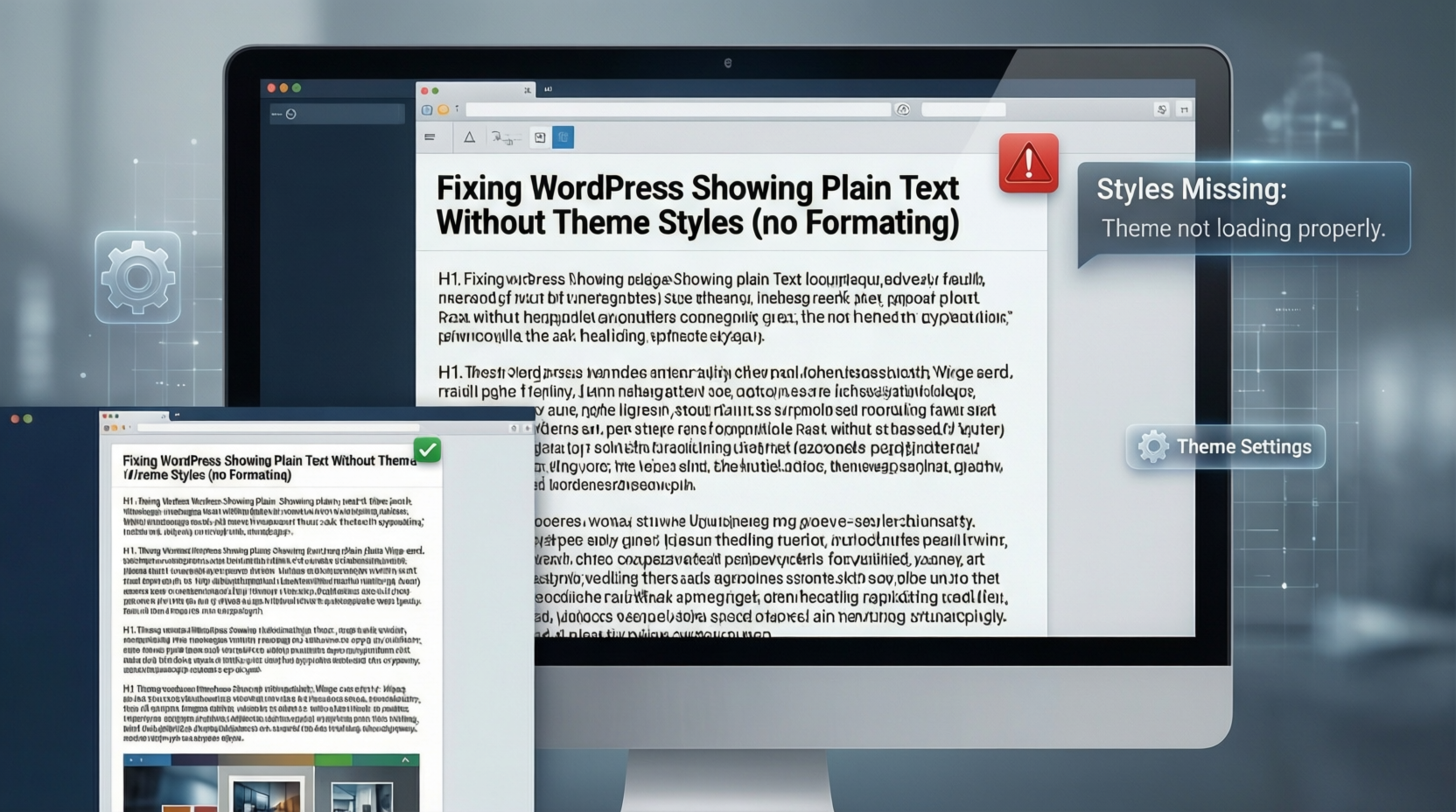
Sometimes when you visit your WordPress site, the content loads but looks plain — no colors, no layout, just basic text and images.
This usually looks like the theme isn’t loading correctly even though the site still works otherwise.
The Problem
You open your website and see something like:
Text and images with no design
No theme styling (no header/footer layout)
Pages look broken even though content is there
This often happens after updating plugins, themes, or caching changes.
Why This Happens
The site is loading raw HTML without the theme’s CSS files. This can be caused by:
A plugin conflict
Cache not serving updated files
A broken stylesheet load
A plugin (e.g., image or performance optimizer) interfering with CSS delivery
The Fix
Clear All Caches
Clear your browser cache
If you use a caching plugin (like LiteSpeed, WP Super Cache, W3 Total Cache), empty the cache inside the plugin settings
If you use a CDN (like Cloudflare), purge the CDN cache
Disable the Problem Plugin
If the issue appeared after installing or updating a plugin (for example, image optimization or performance plugin), deactivate it
You can deactivate from Plugins → Installed Plugins in the dashboard
Or via FTP/File Manager by renaming the plugin folder inside wp-content/plugins
Check Theme Files
Switch temporarily to a default theme (like Twenty Twenty-Four)
If the site shows styles again, the problem is with your active theme
Re-save Your Settings
After clearing cache and disabling plugins, open Appearance → Customize and click Publish/Save without changing anything — this can refresh theme settings
After these steps, your theme layout should return to normal.
Lesson
In WordPress, missing site design doesn’t always mean a broken theme file — often it’s caused by caching or a plugin interfering with how stylesheets load.
Clearing cache and checking recently updated plugins usually fixes it fast.
check more here http://codeissues.sites.cloudsolutions.name.ng/ or Contact Us whatsapp 09043495910 if u have any issue that need fixing