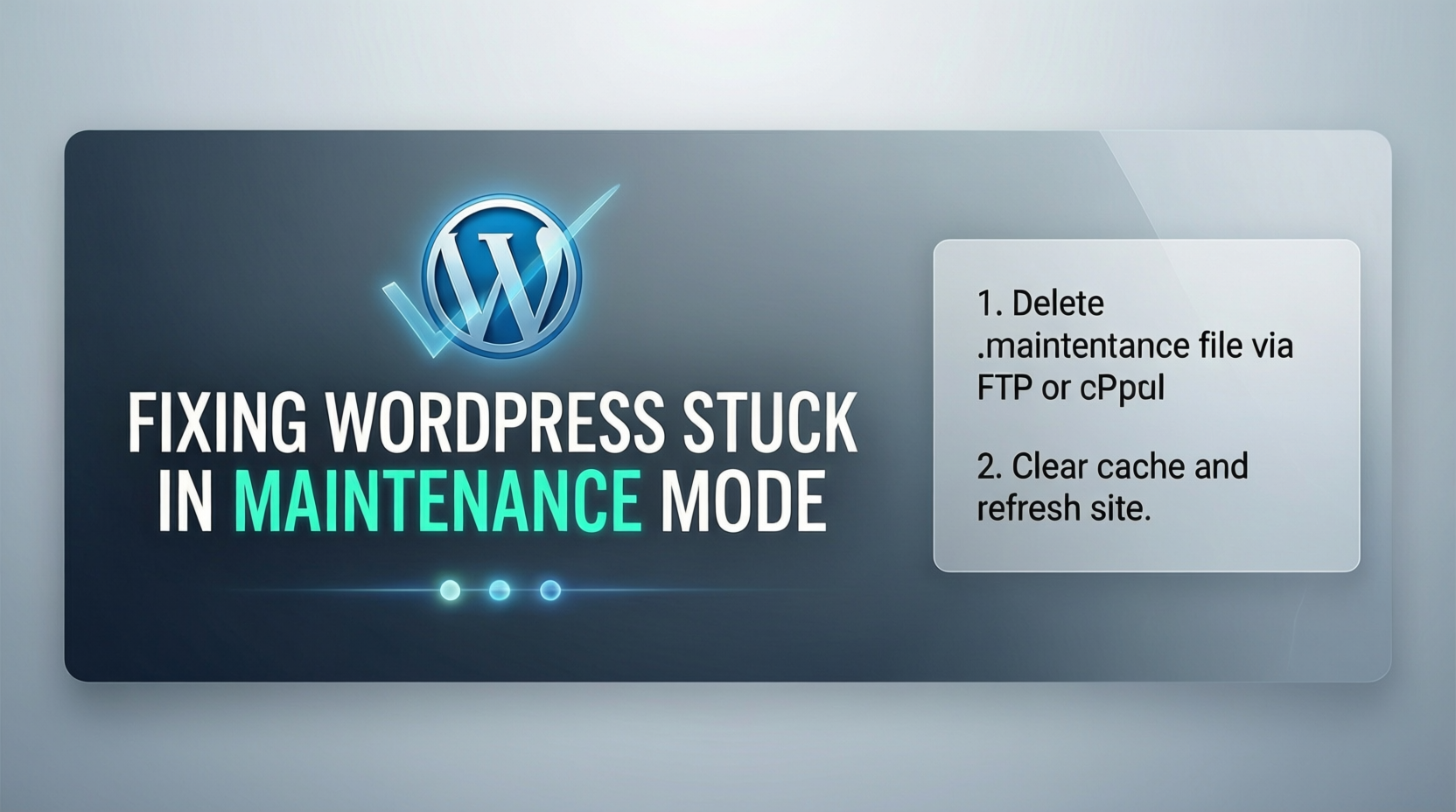
After updating WordPress, a theme, or a plugin, you might see this message on your site:
“Briefly unavailable for scheduled maintenance. Check back in a minute.”
And the site never comes back.
The Problem
WordPress automatically puts your site into maintenance mode when updating, but if the update is interrupted (for example, due to a slow server or connection issue), the site can remain stuck in that mode.
Why It Happens
Whenever WordPress runs updates, it creates a temporary file named .maintenance in your site’s root folder. If the process does not complete normally, this file stays there and keeps the site in maintenance mode.
The Fix
-
Access your website files using your hosting File Manager or an FTP client.
-
In the root directory of your WordPress install (where
wp-config.phpis), look for the file named.maintenance. -
Delete the
.maintenancefile. -
Refresh your website in the browser. It should now load normally.
That’s it.
Lesson
Some WordPress features (like updates) use temporary files to do their job. If something interrupts the process, the temporary file may need to be removed manually
Contact Us whatsapp +2349043495910 if u have any issue that need fixing